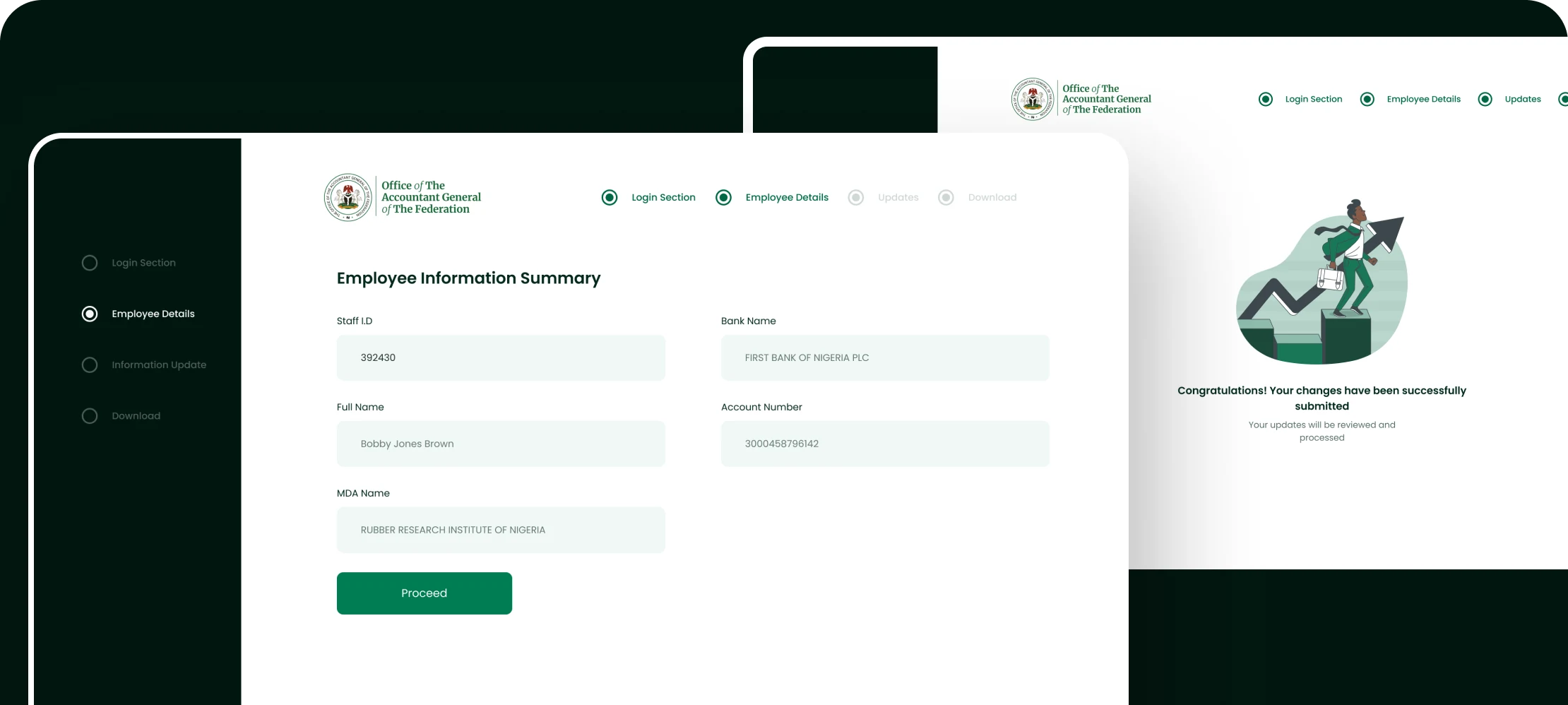
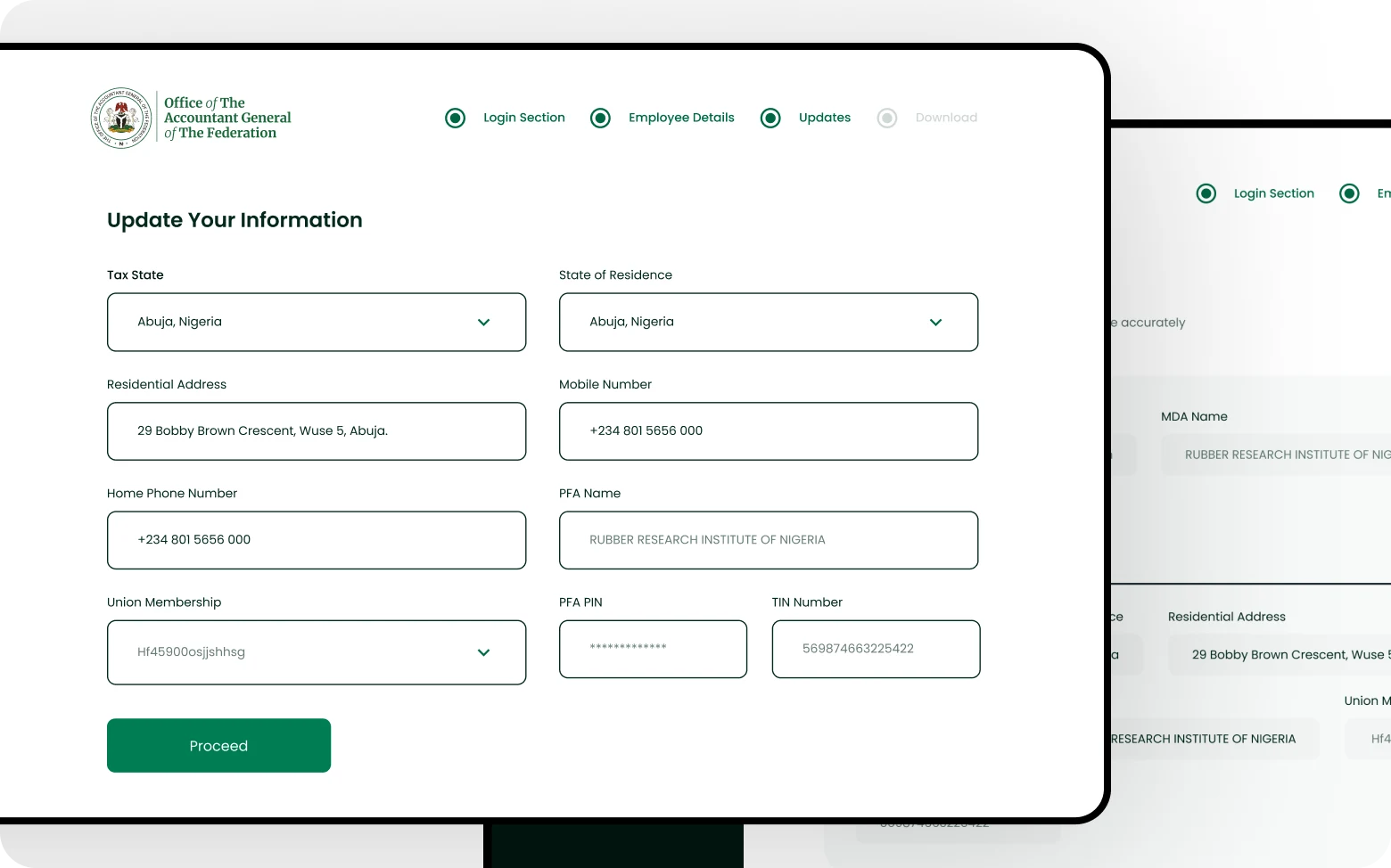
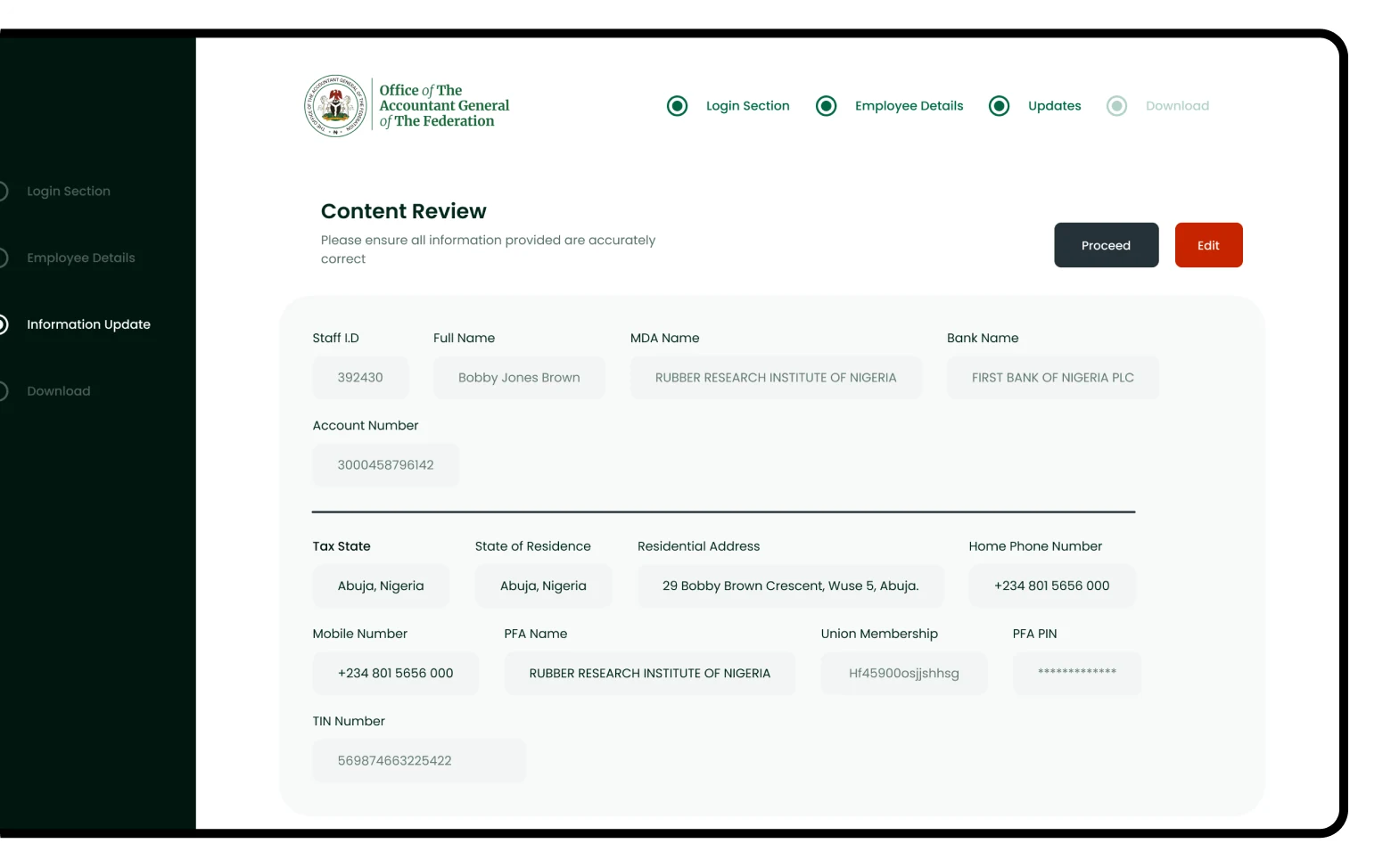
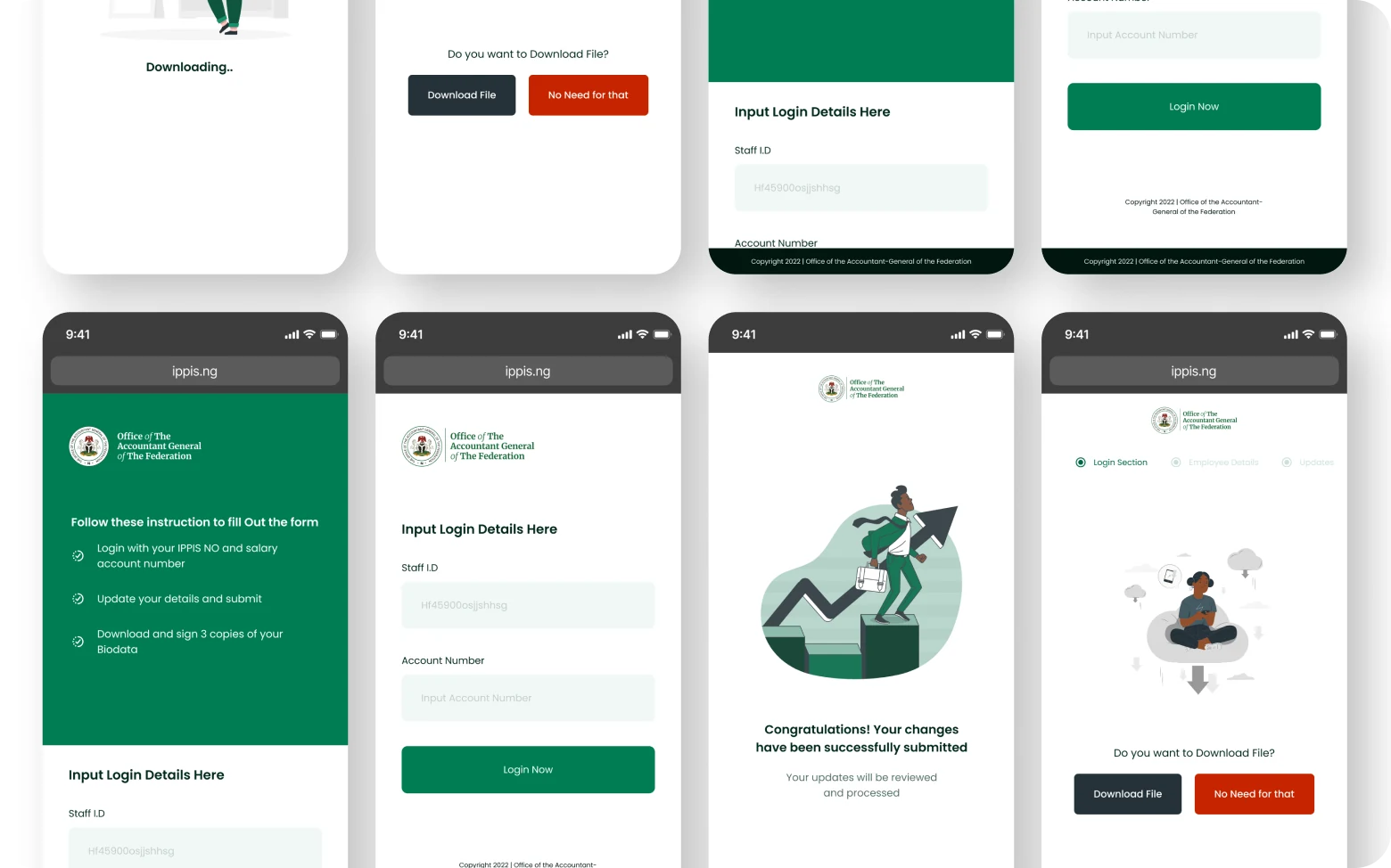
01 A payroll system bleeding billions
Nigeria's Integrated Personnel and Payroll Information System (IPPIS) manages federal government payroll across hundreds of Ministries, Departments and Agencies. The system was plagued by ghost workers — fictitious employees collecting salaries — and data inconsistencies costing the government billions of naira annually.
The EDVMS (Employee Data Validation and Management System) was commissioned to clean that up: verify that every person on the federal payroll actually exists, is actively employed, and has correct biometric and employment records.
This wasn't a startup product with room for iteration. Every design decision had downstream effects on real government operations, public funds, and the livelihoods of hundreds of thousands of civil servants.
02 Understanding the problem space
Before designing anything, I worked through the existing data collection and verification workflows — and why they failed — through system documentation and meetings with the people running the process.
The ghost worker problem
Employees on the payroll who didn't exist, had retired, or had died. No system existed to systematically catch and flag them.
Fragmented data sources
Records lived across physical files, multiple databases and ministry-specific spreadsheets. No single source of truth existed.
Bulk actions at high stakes
Operators needed to process hundreds of records at once, but bulk actions in a payroll system carry real financial and legal consequences. Designing them safely was critical.
Multi-tier administration
Federal HQ, state offices and ministry-level operators all needed different views of the same data, with strict access controls at each level.
03 Designing confidence, not just throughput
Mapping the validation workflow end to end
I mapped the complete journey from data submission through biometric capture, record matching, discrepancy flagging, resolution and sign-off — a clear view of where design could reduce friction and where human judgement was irreplaceable.
Designing for operator confidence, not speed
Early pressure pushed for a fast, high-throughput interface. I pushed back: in a system where errors have financial and legal consequences, confidence beats speed. The design prioritised clear status communication over cramming more records per screen.
Progressive disclosure for complex records
Each employee record contained 30+ data fields. I designed a layered view — summary card, expanded profile, full audit trail — so operators saw what they needed for a decision without being overwhelmed.
Status states as first-class UI
Every record had a lifecycle: unverified, in progress, verified, flagged, escalated. I designed a complete status system — colour, icon, label and audit trail — so any operator could see where a record stood without reading its history.
Role-based access as a UX problem
Federal admins, state coordinators and ministry operators each saw a different version of the dashboard. I designed three distinct entry points into the same underlying system — not separate products, but one system with role-aware surfaces.
04 The validation dashboard
The core admin surface was a real-time validation dashboard showing the live status of every employee record batch being processed across all ministries simultaneously.
The most debated decision was the <strong>discrepancy escalation flow</strong>. When an operator flagged a record — biometric mismatch, missing documentation, duplicate entry — the system needed to route it to the right person. I designed a structured escalation tree: local operator, state coordinator, federal admin, each with clear accountability and deadline timers.
This replaced an informal “send an email to HQ” process that had no audit trail, no accountability and no resolution timeline.
05 Impact
The EDVMS went live and replaced the previous manual approach with a structured, auditable process. The escalation system gives every flagged record a resolution history, and federal, state and ministry tiers each work from their own view of the same live data.
06 Working with the engineering team
The EDVMS was built with a backend-heavy engineering team, and the most important design outcomes came directly out of that collaboration rather than from handoff documents.
The bulk action confirmation flow went through three engineering reviews before sign-off, each surfacing a constraint — transaction locks, rollback windows, audit log timing — that reshaped the UI. The final design was a product of those reviews, not something handed over and implemented verbatim.
The escalation deadline timer, one of the most operationally important elements, was only possible because I joined a backend architecture discussion and learned how the escalation queue was actually processed. Decisions made without that context would have misled users.
07 What this project reinforced
Enterprise experiences succeed when efficiency and safeguards coexist. The pressure on a validation platform is always to go faster — process more records, clear more batches. But in a payroll system at government scale, speed without safeguards creates exactly the errors it was built to eliminate.
The design work that had the most impact wasn't visual. It was structural: the escalation workflow, the bulk action confirmation states, the audit trail visibility. Those decisions determined whether the system would be trusted and used correctly over time.
The decisions with the most lasting impact on EDVMS were process decisions — the escalation workflow, the bulk-action safeguards, the audit trail visibility — rather than anything visual.
08 The work